Stay Connected with Grow Your WHY

Please enter a valid email address.
Something went wrong. Please check your entries and try again.

Recent Posts

IMG_5640.png

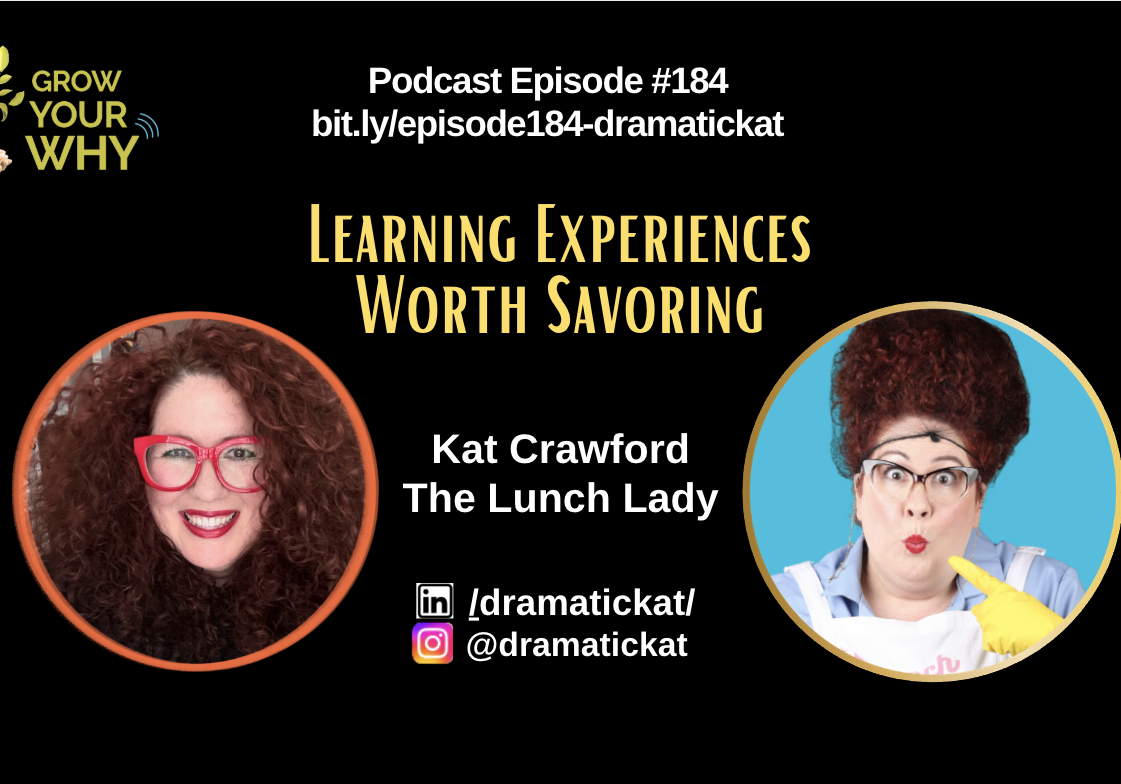
Learning Experiences Worth Savoring with Kat Crawford (EP184)

IMG_5610

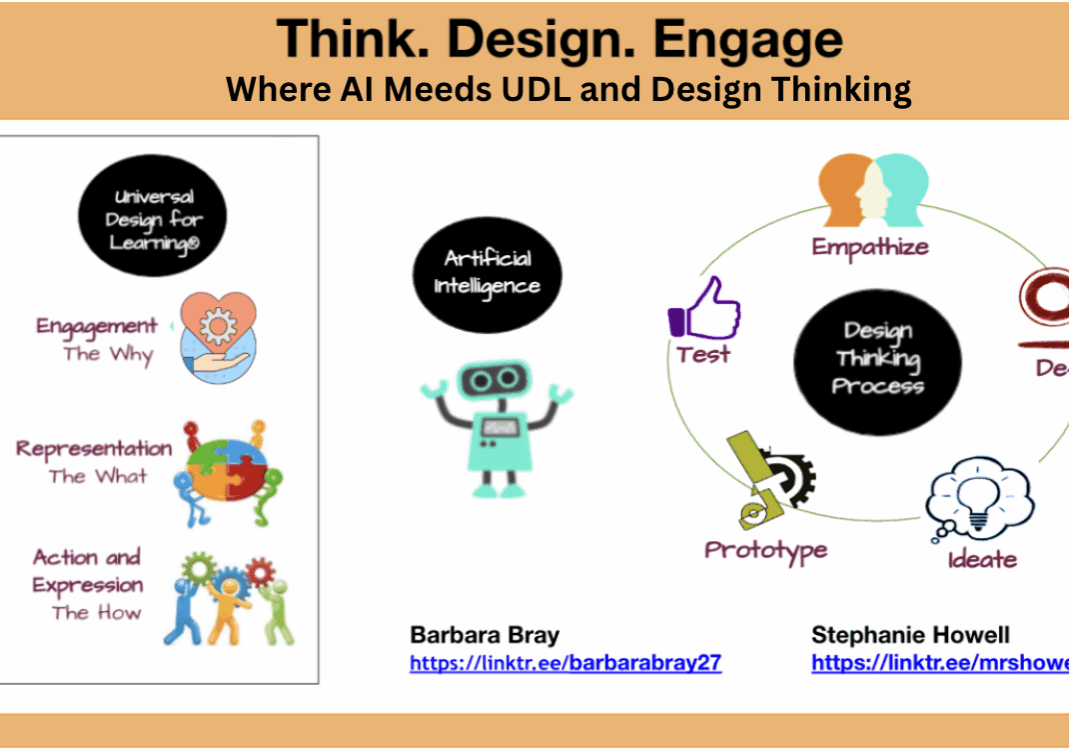
Think. Design. Engage: Where AI Meets UDL and the Design Thinking Process

Promotional graphic for AI in school counseling podcast with Hanna Kemble-Mick.

Unlock the Power of AI in School Counseling with Hanna Kemble-Mick (EP183)

Podcast episode promoting child-centered education for future-ready schools and families.

Building Future-Ready Schools and Families with Dr. Martha Umana (EP182)

Opportunities for choice in education

Dismantling Math Anxiety with Dr. Aditya Nagrath (EP181)

Archives

Notability App – An App You Will Love

Abstract figure with graduation cap symbolizing education and achievement.


Notability powerfully integrates handwriting, PDF annotation, typing, recording, and organizing so you can take notes your way!

This week you can get Notability for 80% off – for 99¢


Abstract figure with graduation cap symbolizing education and achievement.

I am starting to use Notability instead of Pages or Word. I highly recommend it and at this price, it’s an app that everyone should try. If you miss the special deal, it is still a special deal.

Notability is the perfect note-taking companion for iTunes U! Liberate yourself from piles of paper and books by keeping this data in Notability. Our full-featured and easy to use tool set enables all types of annotating and data capture. So what does it do?


Full-featured Handwriting

  • Capturing ideas easy and awesome with smooth ink.
  • Use the zoom window to quickly draw every detail.
  • Check out the palm rest to protect your notes from unwanted marks.
  • Copy, move and even re-style the color and width of any ink.
  • Drag-and-drop thumbnails to reorder notes while adding or removing pages as needed.
  • Choose a paper to fit your style and use a variety of pen colors and widths to create beautiful notes.


PDF Annotation

  • Annotate PDFs.
  • Record, type or handwrite on anything.
  • Share your annotations with anyone using email or Dropbox and more.


Advanced Word-Processing

  • Try the features like styling, outlining, and spell check as the perfect tools to get the job done quickly and accurately.
  • Use bullets, bold, italic, underline, font presets, cursor controls, and more, seamlessly to help you create rich notes.


Linked Audio Recording

  • Link audio recordings automatically to your notes.
  • Review your notes, then tap a word to hear what was said at that moment.
  • Use advanced audio processing features to create brilliant recordings in any setting.
  • Use the recording feature to capture your own voice for memos, presentations, or speech practice.


Auto-Sync

  • Auto-sync your notes to back up in the cloud.
  • Easily collaborate at work or school sharing ideas and notes on the fly.


Media Insertion

  • Enhance your notes by adding pictures from your photo library or from the iPad camera.
  • Insert web clips, figures, and drawings to compliment your notes.
  • Crop, resize, and draw on images to make them perfect. Your text will automatically flow around them.


Library Organization

  • Organize, protect and share your ideas and notes.
  • Drag and drop notes into a subject and use a password to keep notes secure.
  • Auto-sync your notes to automatically upload to Dropbox, iDisk or WebDAV.
  • Import notes, PDFs, and RTFs from the cloud or web.
  • Share notes via Email, Dropbox, iTunes File Sharing, and AirPrint.


When I review apps, I want to find apps that meet multiple needs. Notability does everything students will need to keep notes and share with their teacher and peers.

So if you get a chance, download Notability to try while it’s at a great price. Go here to download: Ginger Labs

Abstract figure with graduation cap symbolizing education and achievement.

“Grow Your Why…One Story at a Time” includes 23 stories from inspirational educators, innovators, and entrepreneurs. Go to this page or click on the book to go to Why Press Publishing for launching, details, and resources.

I’m getting wonderful feedback on how much the information and stories in “Define Your Why” have helped them. For more information about this book, go to this page or click on the book for resources, questions, and links.

Make sure you check out more of the Grow Your WHY podcasts and each post that the guests created. Click on this link or the logo below to list by episode, alphabetical, or reflections.

I am a co-host of a new podcast, “Real Talk with Barbara and Nicole.” Check out the episodes about Authenticity in a Polarized Society around different topics. Click on RealTalkBN or the logo below.

About the author

Barbara Bray is a Story Weaver capturing stories from inspirational people about insightful journeys to discover and grow their purpose. As a Creative Learning Strategist, Speaker, Coach, Mentor, and Change Maker, she has worked tirelessly for over 30 years to transform teaching so learning is personal, authentic, and meaningful. Barbara is the owner/founder of Computer Strategies, LLC with its division Rethinking Learning and My eCoach that has a new home at K12Leaders. She was the past co-founder of Personalize Learning, LLC, and co-authored two books: Make Learning Personal and How to Personalize Learning. In 2017, Barbara started the Rethinking Learning Podcast and the #rethink_learning Twitter chat. From the stories her guests shared and her own journey, she wrote "Define Your WHY: Own your story so you live and learn on purpose." She co-hosts the podcast, "Real Talk with Barbara and Nicole" with Nicole Biscotti about authenticity in a polarized society. Barbara is the author of "Grow Your Why... One Story at a Time" with inspirational stories from 23 amazing contributing authors that she self-published under a new division and publishing company, Why Press Publishing.